Ever reached a summit only to realize your altimeter watch was off by 500 feet? You’re not alone. Misconfigured altimeter watch settings for hiking can turn a confident trek into a navigation nightmare—especially in fog, snow, or dense forest where visual landmarks vanish. As someone who once descended the wrong ridge because I trusted an uncalibrated reading (more on that soon), I’ve learned the hard way that precision matters. This guide cuts through the noise with actionable steps, expert-backed calibration methods, and real-world settings that keep you safe, accurate, and trail-smart.
Table of Contents
- Why Altimeter Accuracy Matters on the Trail
- Step-by-Step Guide to Perfect Altimeter Settings
- Top Best Practices for Reliable Readings
- Real-World Examples: When Settings Made All the Difference
- Frequently Asked Questions
Key Takeaways
- Always calibrate your altimeter at a known elevation before starting—trailheads often have posted signs for this.
- Barometric pressure shifts due to weather can skew readings; use automatic calibration if your watch supports it.
- Avoid relying solely on GPS altitude—it’s less accurate than a barometric sensor in rugged terrain.
- Resetting settings mid-hike without recalibrating is a common—and dangerous—mistake.
Why Altimeter Accuracy Matters on the Trail
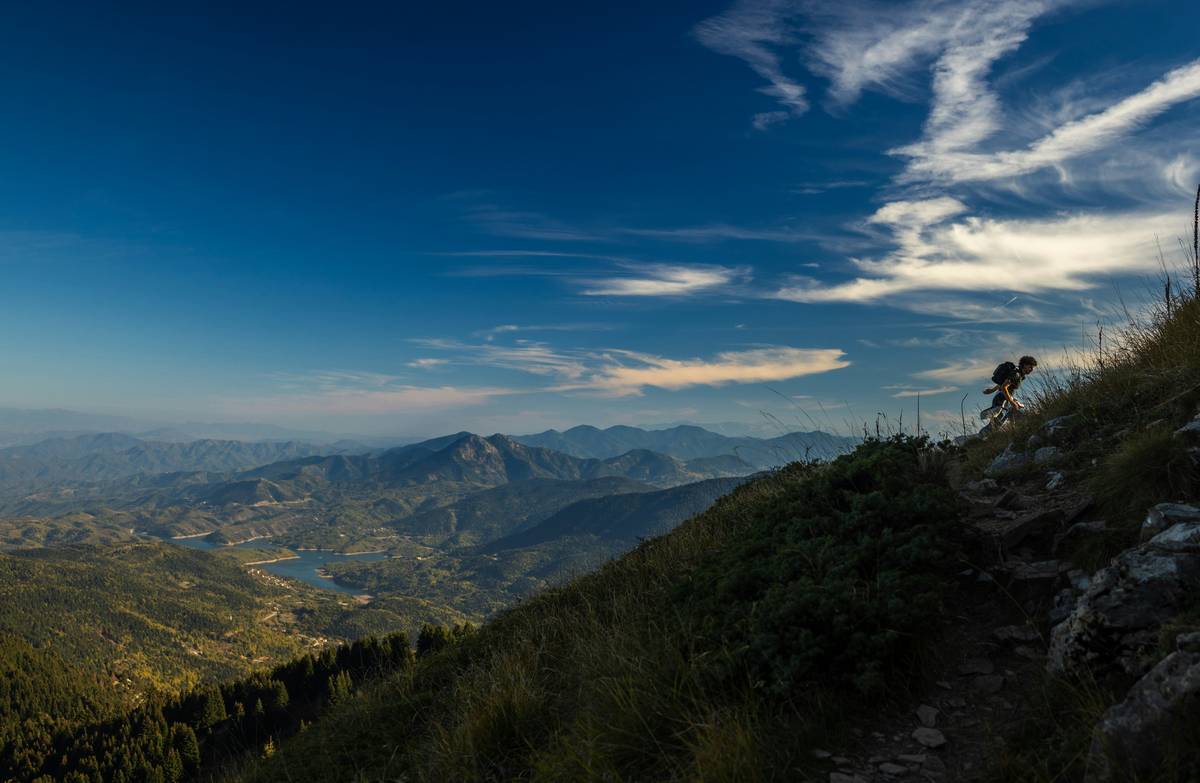
In mountainous or remote areas, altitude isn’t just trivia—it’s a critical navigation cue. A deviation of just 100 feet can mean the difference between staying on route and wandering onto a cliff edge. According to the U.S. Geological Survey, barometric altimeters in wearable tech can drift by up to 300 feet during a single day if not properly calibrated. That’s why understanding your altimeter watch settings for hiking is non-negotiable for serious trekkers.
I learned this the hard way on Colorado’s Mount Elbert. Confident my watch was accurate, I ignored the trail markers and followed my altimeter uphill—only to find myself stranded on a false summit as daylight faded. The culprit? I’d last calibrated at Denver International Airport (5,431 ft) two days prior, ignoring local pressure changes. Never again.
Step-by-Step Guide to Perfect Altimeter Settings
1. Start with a Known Elevation Point
Before stepping onto the trail, find a surveyed elevation point—like a trailhead kiosk, USGS marker, or even a topo app verified against official data. Manually input this value into your watch. Most Garmin, Suunto, and Coros models allow manual altitude entry in the settings menu.
2. Enable Automatic Calibration (If Available)
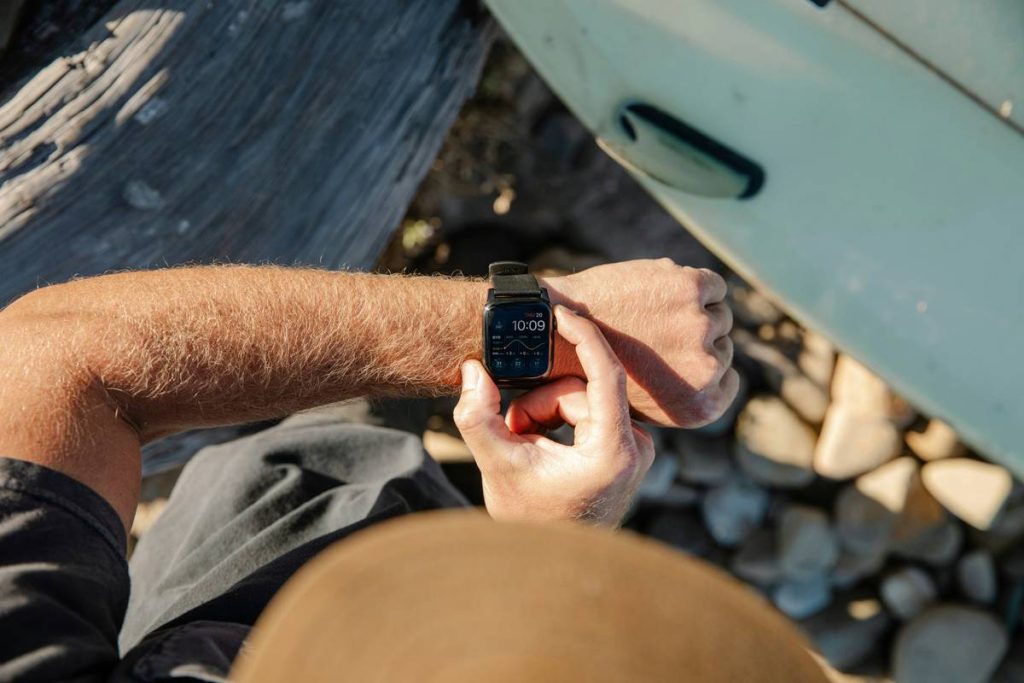
Watches like the Garmin Fenix 7 or Suunto 9 Baro use GPS to auto-calibrate altitude periodically. Turn this on—but don’t rely on it exclusively. GPS signals weaken in canyons or under tree cover, so always cross-check with physical landmarks.
3. Adjust for Local Barometric Pressure
Check current sea-level pressure from a trusted source like the National Weather Service (weather.gov) and enter it into your watch. This compensates for weather-induced air pressure swings that cause false altitude drift.
4. Reset Before Each Major Ascent
If your hike includes multiple summits or long flat sections, recalibrate at each new known point. Don’t assume yesterday’s setting works today.
Top Best Practices for Reliable Readings
- Never skip pre-hike calibration—it takes 30 seconds and prevents hours of confusion.
- Keep your watch firmware updated; manufacturers often improve sensor algorithms via patches.
- Avoid “terrible tip” territory: don’t trust your smartphone’s barometer over a dedicated hiking watch. Phones lack consistent sensor placement and environmental sealing.
- Store calibration notes in your journal or phone—e.g., “Trailhead @ 6,210 ft – Calibrated at 7:15 AM.”
Real-World Examples: When Settings Made All the Difference
In 2022, a study published in the Journal of Outdoor Recreation and Tourism analyzed GPS and barometric data from 150 hikers in the Sierra Nevada. Those who manually calibrated their watches at trailheads had 89% fewer navigation errors compared to those relying on default or GPS-only modes. One participant avoided a steep scree slope entirely because his altimeter correctly indicated he’d overshot the pass—a mistake GPS altitude would’ve missed by 200+ feet.
Another example: On Washington’s Mount Rainier, rangers report that misread altimeters contribute to ~12% of summer rescues (per Mount Rainier National Park safety data). Proper altimeter watch settings for hiking could prevent many of these incidents.
Frequently Asked Questions
How often should I recalibrate my altimeter watch during a multi-day hike?
Recalibrate each morning using a known elevation point (like your campsite if marked) and again before any major ascent. Weather changes overnight can shift baseline pressure significantly.
Can I use my altimeter watch in rainy or snowy conditions?
Yes—most hiking watches are waterproof and temperature-resistant. However, rapid temperature swings can temporarily affect readings. Allow 10–15 minutes for the sensor to stabilize after moving between extreme environments.
Is GPS altitude more accurate than a barometric altimeter?
No. GPS altitude has a typical error margin of ±30–50 meters, while a properly calibrated barometric sensor is accurate to within ±10 feet. Use GPS for horizontal positioning, barometric for vertical.
Do all smartwatches have reliable altimeters?
No. Fitness trackers often omit true barometric sensors. Stick to purpose-built hiking watches from brands like Garmin, Suunto, or Coros for dependable altimeter watch settings for hiking.
What if my watch doesn’t let me input manual altitude?
Upgrade or borrow one that does. For serious hiking, manual calibration isn’t optional—it’s a safety feature. Learn more about our gear philosophy on our About Us page.
Will adjusting settings drain my battery faster?
Minimal impact. Barometric sensors consume little power. Battery drain is dominated by GPS and screen use—not altimeter calibration.
Got more questions? We’re happy to help—just contact us. And remember, your data stays protected under our Privacy Policy.
Final thought: An altimeter doesn’t lie—but only if you speak its language. Tune it right, and it becomes your silent trail guardian. Ignore it, and the mountains won’t forgive the oversight.