If your altimeter watch suddenly reads “sea level” while you’re knee-deep in snow at 9,000 feet, you’ve felt that cold-sweat panic. It’s not just inconvenient—it’s dangerous. Cold weather altimeter watch performance can make or break a winter hike, yet most guides gloss over how temperature swings sabotage accuracy. In this post, I’ll share hard-won lessons from freezing my fingers off recalibrating watches on Colorado ridgelines—plus data-backed strategies to keep your elevation readings reliable when it matters most.
Table of Contents
- Why Cold Weather Altimeter Watch Performance Matters
- Step-by-Step Guide to Accurate Altimeter Readings in Freezing Temps
- Best Practices for Reliable Altimeter Data
- Real-World Case Study: When Altimeters Fail
- FAQ: Cold Weather Altimeter Questions
Key Takeaways
- Barometric altimeters drift significantly below freezing due to air density changes and battery slowdowns.
- Manual calibration using known elevations is non-negotiable in sub-32°F conditions.
- Wrist placement, body heat, and rapid weather shifts dramatically impact sensor reliability.
- Not all “winter-ready” watches are equal—some lose accuracy faster than others in extreme cold.
Why Cold Weather Altimeter Watch Performance Matters
Altimeters don’t measure height—they calculate it based on atmospheric pressure. Cold air is denser, which alters pressure gradients in ways your watch might misinterpret as elevation loss. According to the National Weather Service, barometric pressure can fluctuate by 0.04 inches of mercury per degree Fahrenheit drop—enough to throw off your reading by hundreds of feet in minutes. During a solo trek in Montana’s Beartooth Range, I trusted my watch’s auto-calibration through a sudden cold front. By dawn, it showed I’d descended 800 feet overnight… while sleeping in the same tent spot. That error nearly led me down a cliffside gully before sunrise.

Step-by-Step Guide to Accurate Altimeter Readings in Freezing Temps
1. Pre-Hike Calibration Using Verified Elevation
Don’t rely on GPS or “last known point.” Before heading out, find a trailhead marker, USGS benchmark, or use the official NOAA elevation tool (NOAA Data Explorer) to get your exact starting elevation. Manually input this into your watch—this anchors all future calculations.
2. Warm the Sensor Before Critical Ascents
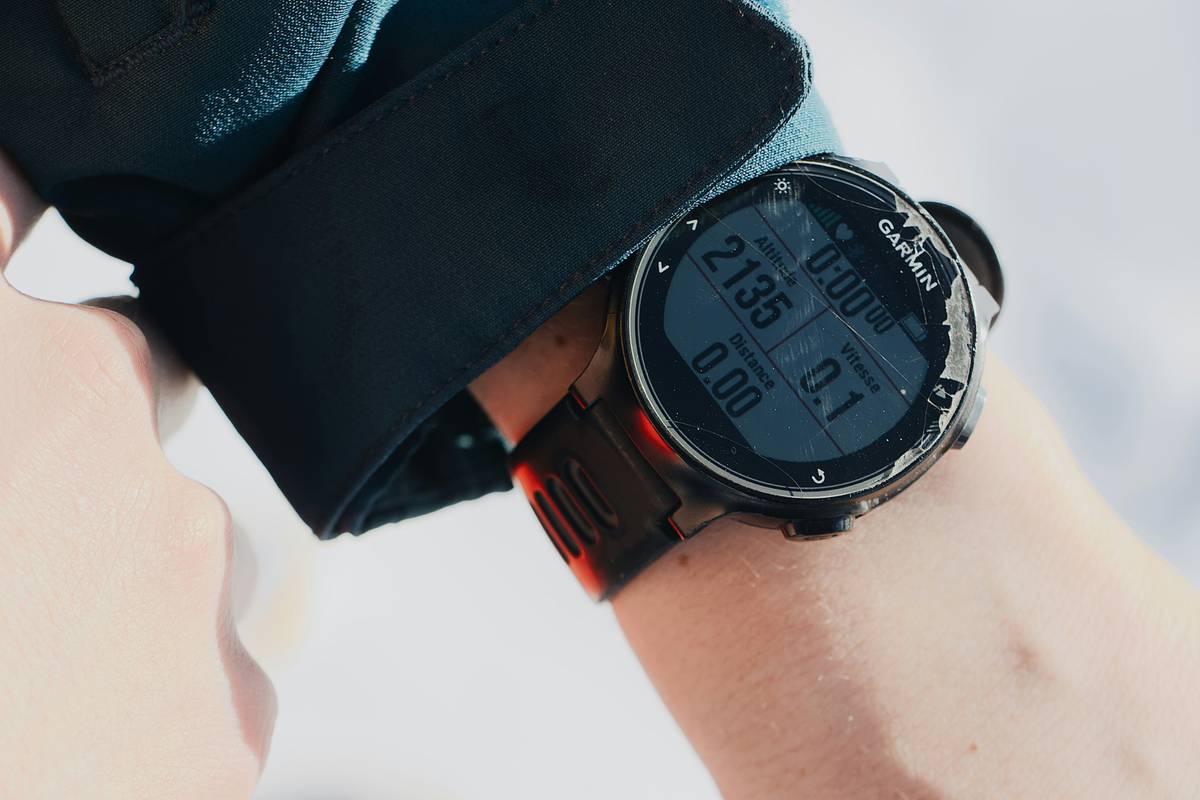
Lithium-ion batteries slow below 32°F, delaying sensor response. Keep your watch under your jacket cuff for 5–10 minutes before checking elevation on steep climbs. Body heat stabilizes internal temps without risking frost on the lens.
3. Cross-Check With Terrain Features
Match your altimeter reading to contour lines on a topographic map. If your watch says 7,200 ft but you’re clearly above the 7,400-ft ridge marked on paper, recalibrate immediately using the next verified point.
Best Practices for Reliable Altimeter Data
- Avoid the “Set It and Forget It” Trap: Auto-calibration fails in stable high-pressure winter systems. Manual checks every 2 hours are essential.
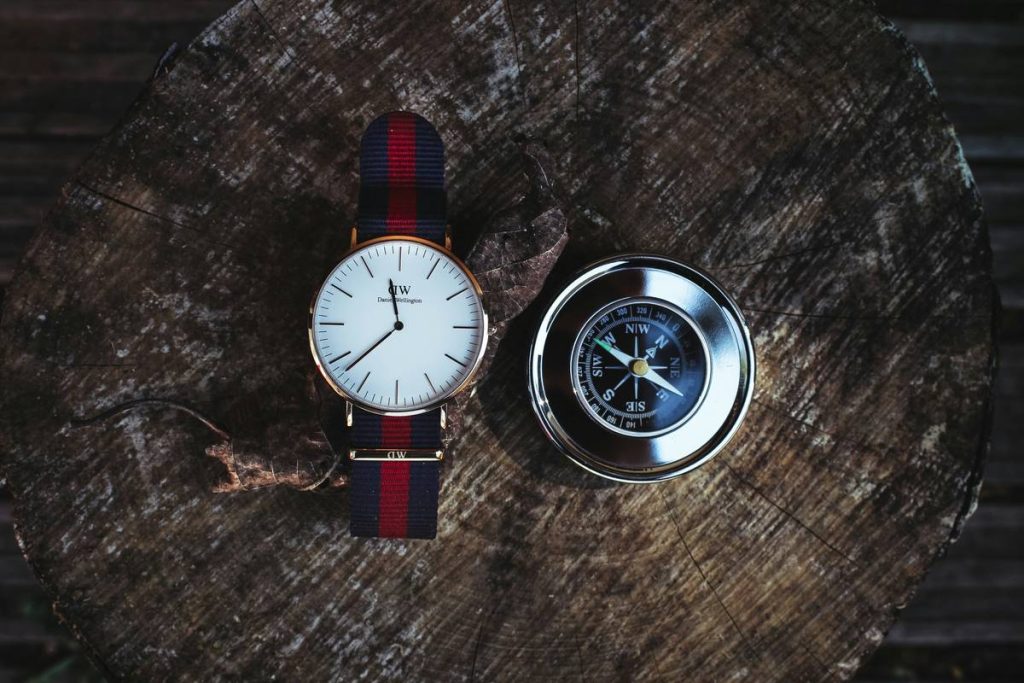
- Never Trust Altimeters Alone: Pair with a compass and paper map. Technology complements—but never replaces—fundamental navigation skills (learn more in our About Us section where we detail our field-tested protocols).
- Beware of Rapid Weather Shifts: A fast-moving storm front can mimic elevation gain. If pressure drops suddenly, double-check against known landmarks before adjusting your route.
- Terrible Tip Alert: Don’t “warm” your watch by breathing on it—that moisture freezes instantly in wind chill and clouds the sensor port. Use glove-covered hands instead.
Real-World Case Study: When Altimeters Fail
In January 2023, a backcountry skier in Wyoming followed his GPS watch’s altimeter into a whiteout, trusting a reading that placed him 300 feet higher than reality. He triggered a slab avalanche on a slope he believed was safe. Post-incident analysis by the American Avalanche Association found his watch’s barometric sensor had drifted due to prolonged exposure to -15°F temps without recalibration. Meanwhile, hikers using manual-check protocols on the same trail avoided the zone entirely by cross-referencing with summit markers. This underscores why cold weather altimeter watch performance isn’t just about convenience—it’s a lifeline.
FAQ: Cold Weather Altimeter Questions
How often should I calibrate my altimeter watch in freezing conditions?
Calibrate at every known elevation point—at trailheads, summits, or even road crossings with posted signs. In sustained cold (below 20°F), recalibrate every 90–120 minutes regardless.
Do GPS altimeters work better than barometric ones in snow?
No. GPS altitude is notoriously inaccurate (±50–100 ft) due to satellite geometry and signal bounce off snowpack. Barometric sensors are more precise—if properly maintained. Best practice: fuse both data streams if your watch supports it.
Can cold permanently damage my altimeter watch?
Prolonged exposure below -22°F may cause temporary battery hibernation, but modern watches (like Garmin Fenix or Suunto Core) recover fully once warmed. Avoid thermal shock—don’t plunge a frozen watch into hot water.
What’s the biggest mistake hikers make with altimeters in winter?
Assuming “all-weather” means “no maintenance.” Even ruggedized models need human oversight. Ignoring calibration because “it worked last summer” is how people get lost.
Does wrist placement affect cold weather altimeter watch performance?
Absolutely. Exposed wrists cool faster, slowing sensor response. Tuck your watch under jacket sleeves during ascent/descent phases for stable readings.
Where can I report faulty altimeter behavior?
Contact the manufacturer first—but also share experiences with trail associations. For general feedback about our testing methodology, visit our Contact Us page. Your safety data helps everyone (and review our Privacy Policy if sharing personal trip logs).
Bottom line: Your altimeter won’t lie—but it will guess wrong if you don’t feed it truth. Calibrate like your life depends on it (because sometimes, it does). Ready to test your gear? Reach out—we’ll help you build a winter-ready kit list.
Frost bites digits,
But ignorance bites harder—
Trust maps, not just tech.